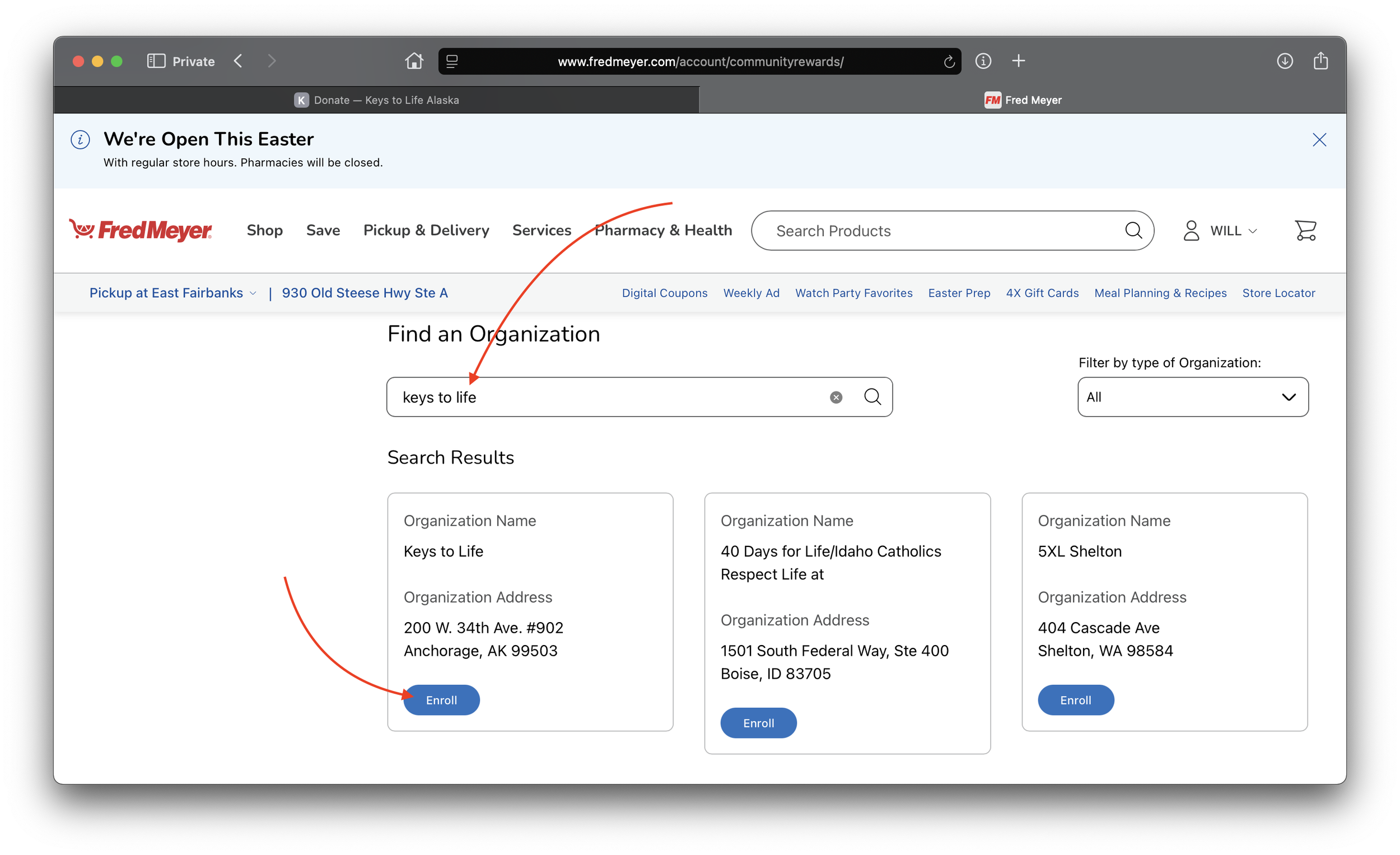
How to enroll Keys to Life as your Fred Meyer Community Rewards organization:
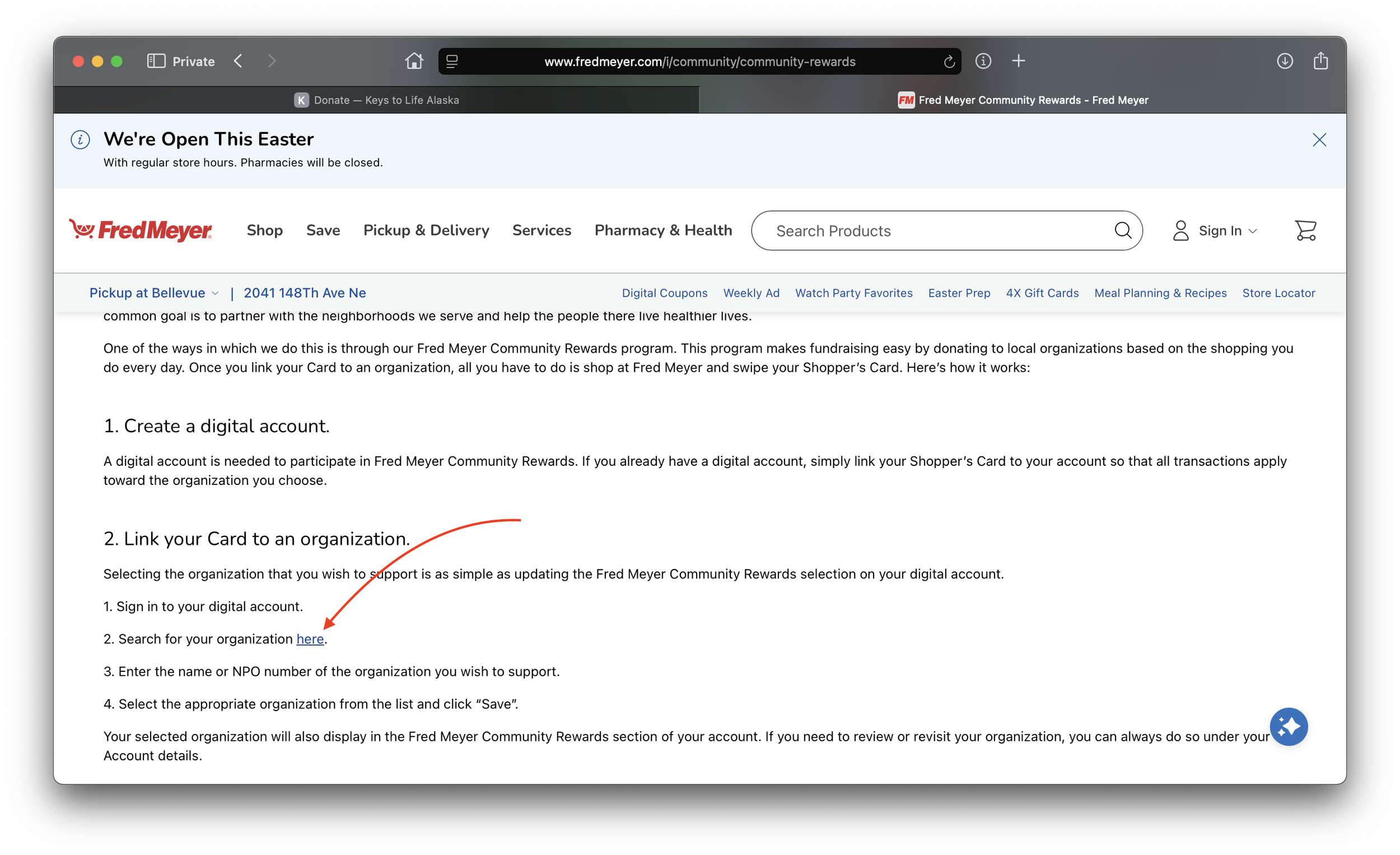
1. Visit the Fred Meyer Community Rewards landing page. Scroll down to “Link your Card to an organization.” Click the link showing how to search for the organization you want to support.
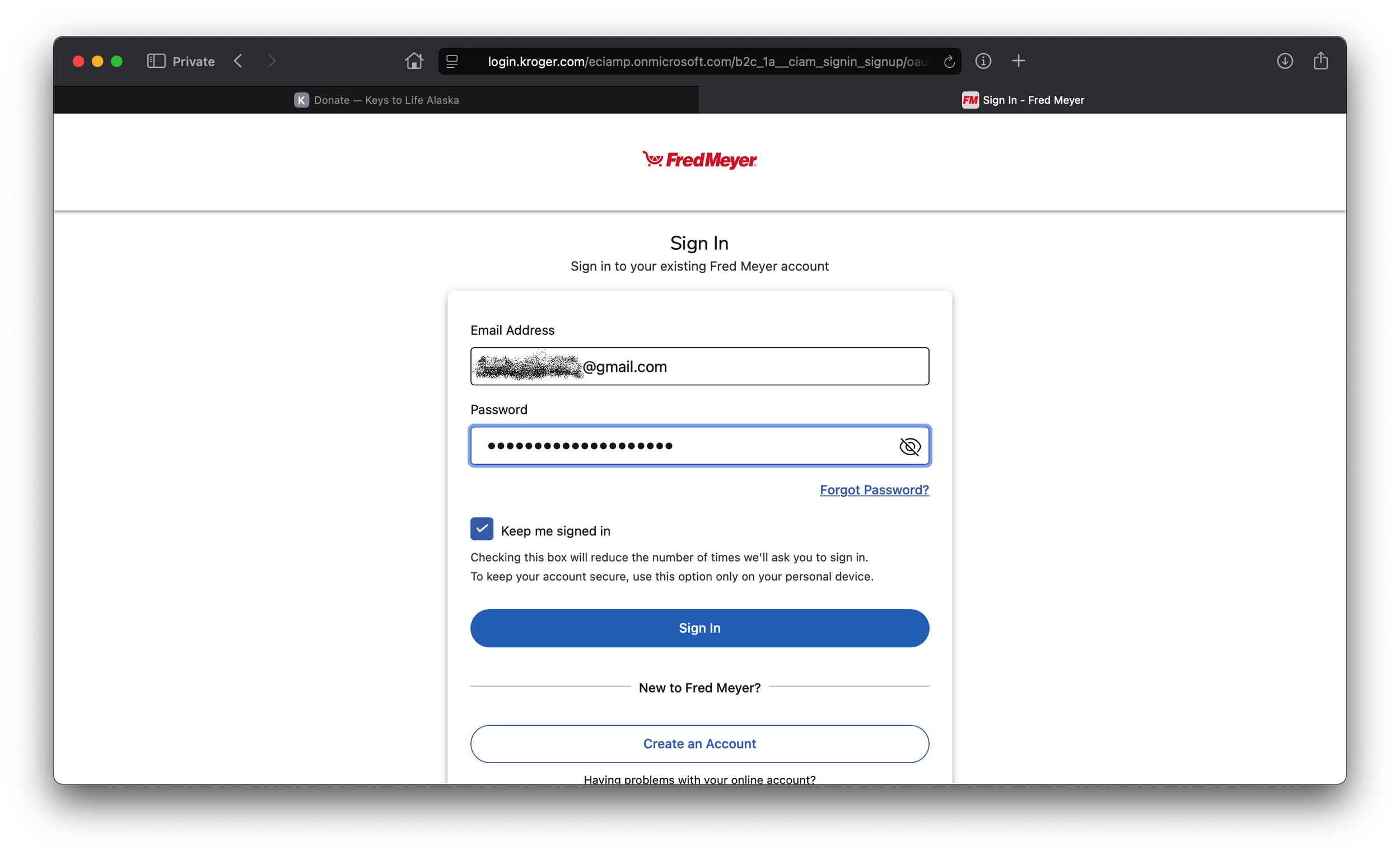
2. You may be prompted to log into your Fred Meyer / Kroger account with your email address and password. If you don’t have an account (you might just use a card or your phone number to get your rewards!) you can set an account up now, or if you don’t remember your login, you can use “Forgot Password?” to reset it.
3. Once logged in, you’ll be able to search for the organization you want to support.
(Pro tip: if you had to create an account or reset your password, you may need to start again at the Fred Meyer Community Rewards page. This time, you should be able to log in if asked, and then you’ll get here!)
Enter “Keys to Life” (it doesn’t have to be capitalized!) and hit enter or return. You should see Keys to Life pop up right in the search results, and you can click “Enroll” to set Keys to Life as the organization you support every time you shop at Fred’s!